
Conductor requires you to be logged in to GitHub in your terminal
environment. To confirm you’re logged in, run
gh auth status in your
terminal.New workspace
After you add a repo, Conductor will create a new workspace for you.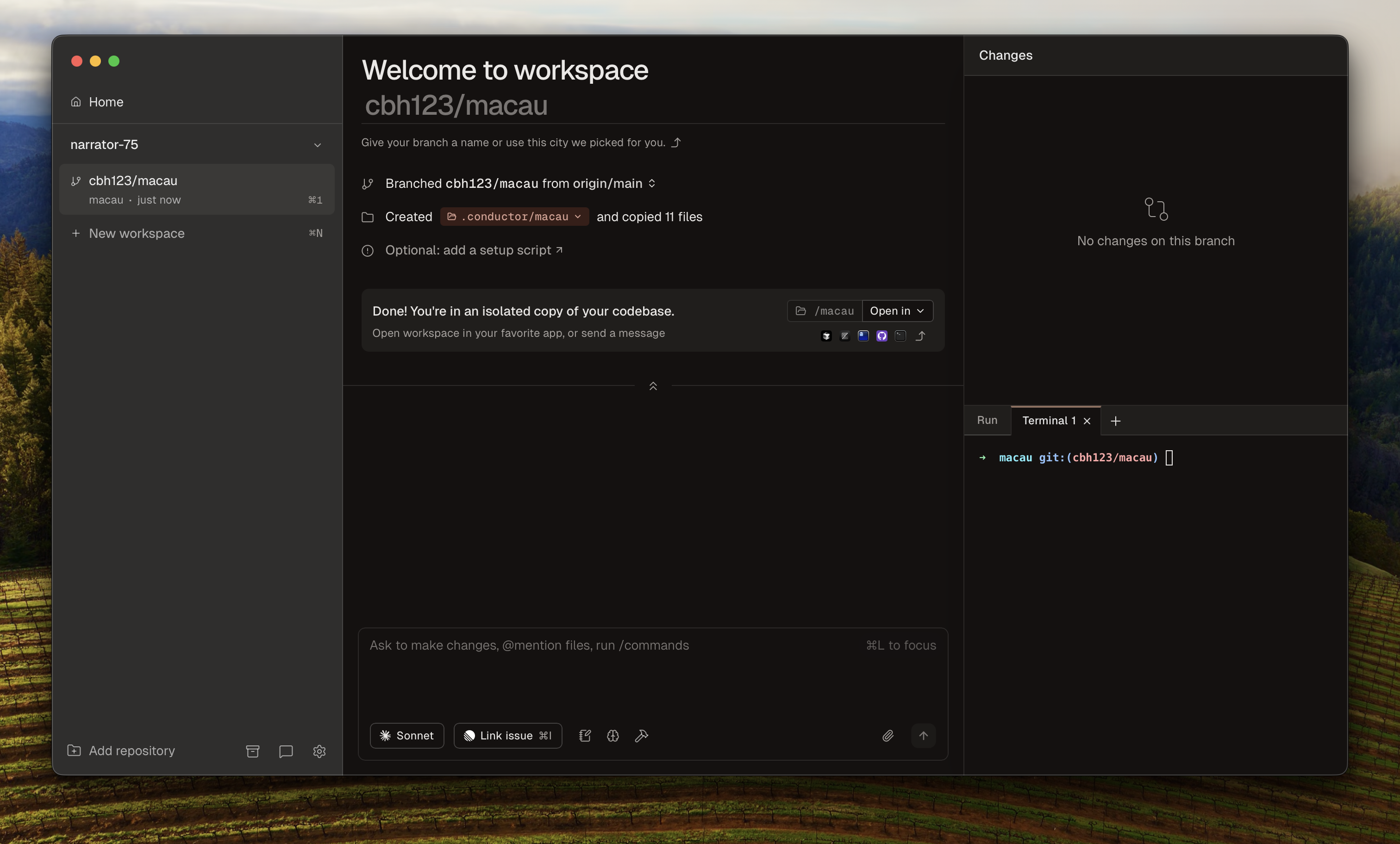
Each workspace is an isolated copy and branch of your Git repo. Conductor only copies files tracked in git, but you can use a setup script to automatically copy files (like
.env or run pnpm install) into the workspace. We’ll get to that later!Creating additional workspaces
You can create new workspaces at any time by using ⌘⇧N or clicking the three dots (•••) button next to the “New workspace” button.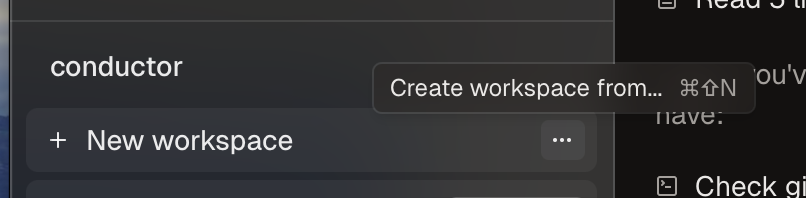
- A specific branch
- A GitHub pull request
- A Linear issue
- You can open the workspace in your favorite IDE (⌘O) and keep developing there.
- You can use the built in chat to ask Claude Code to help you with your project.