Skip to main content
Here are our recommendations for how to get the most out of Conductor:
Create one workspace per feature
For each feature or bugfix, create a new workspace.
You can quickly create a new workspace by using ⌘⇧N or clicking the three dots (•••) button next to the “New workspace” button. This allows you to create a workspace from a pull request, branch, or Linear issue.
Develop
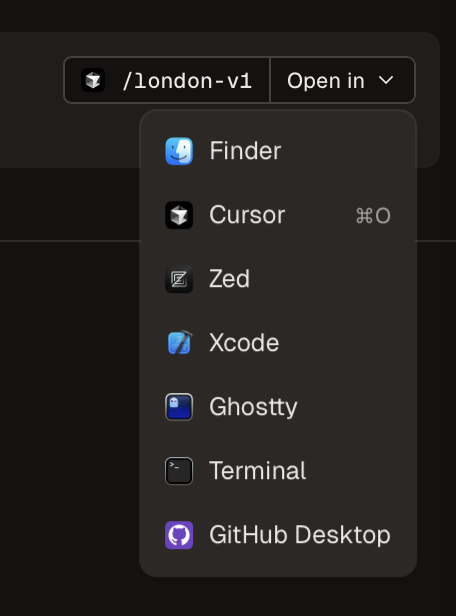
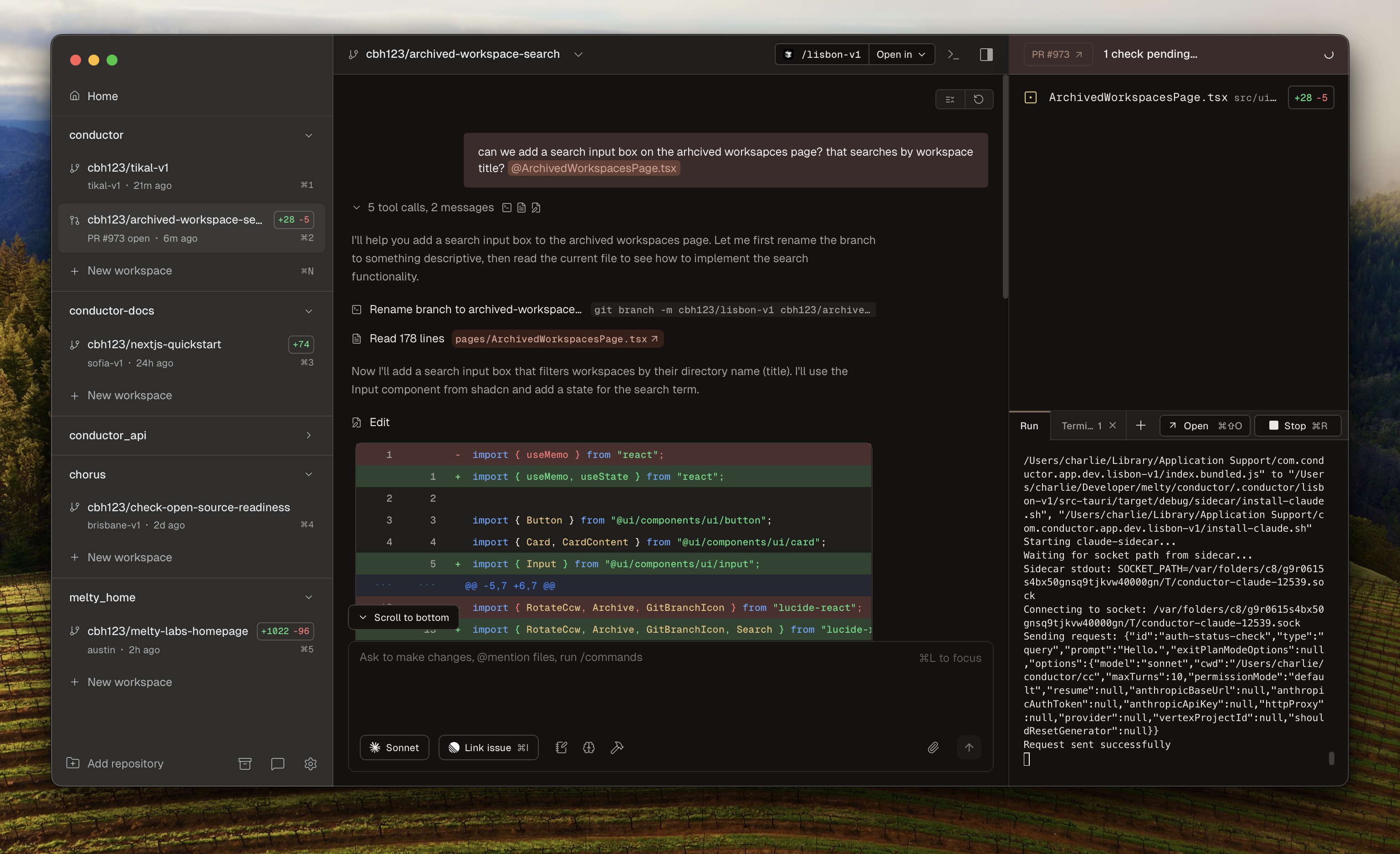 Use Claude Code directly in Conductor, or open the workspace in your favorite IDE to make edits.
Review and test changes
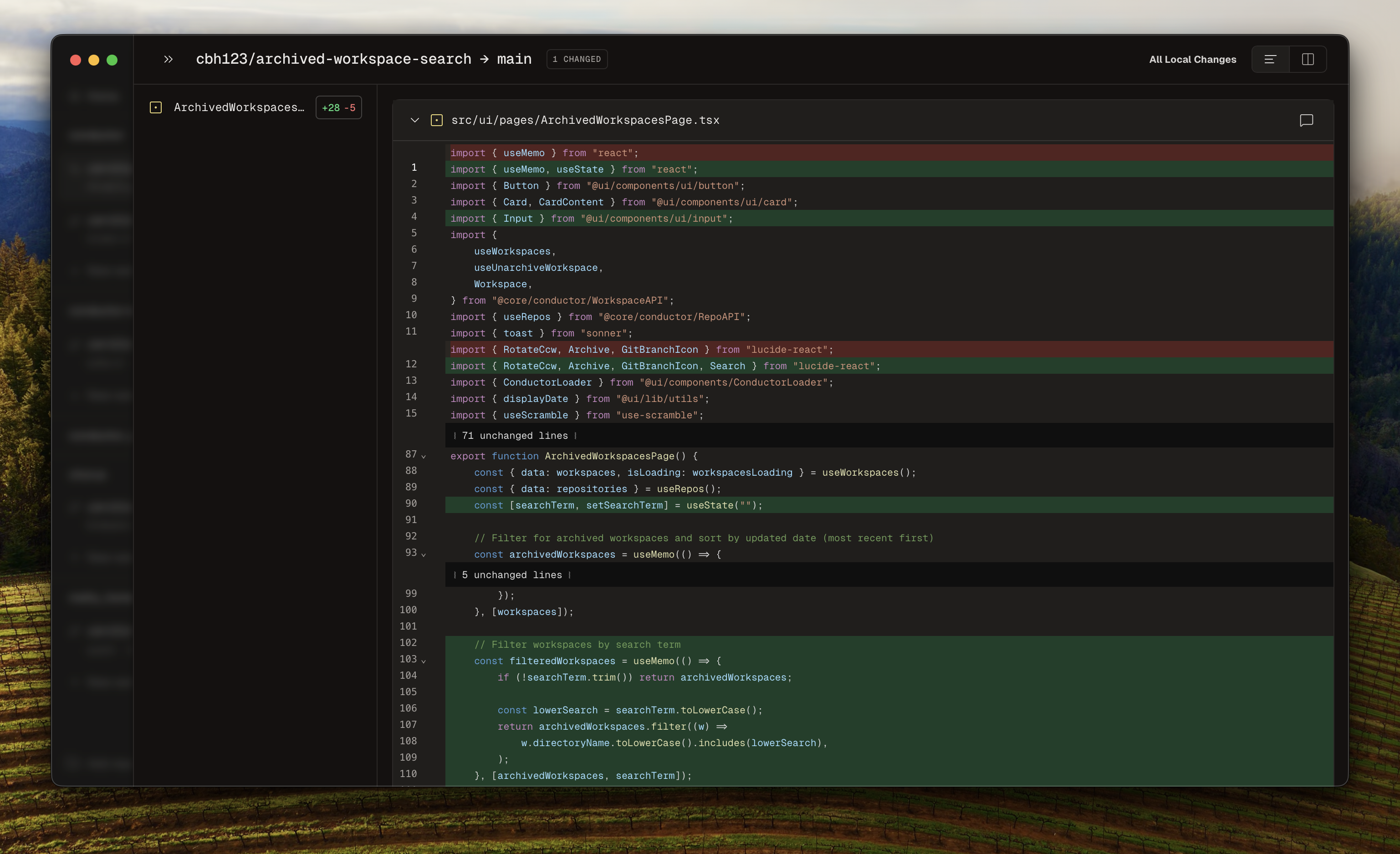 Review changes in the Diff Viewer (⌘D). Use the Terminal or Run panel to test changes.
See this guide for more on how to run your web server or app server within a workspace.
Review changes in the Diff Viewer (⌘D). Use the Terminal or Run panel to test changes.
See this guide for more on how to run your web server or app server within a workspace.
Create PR + Merge
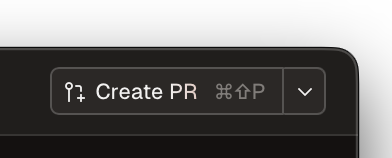 Create a PR (⌘⇧P). If any checks fail, Conductor will help you fix them.
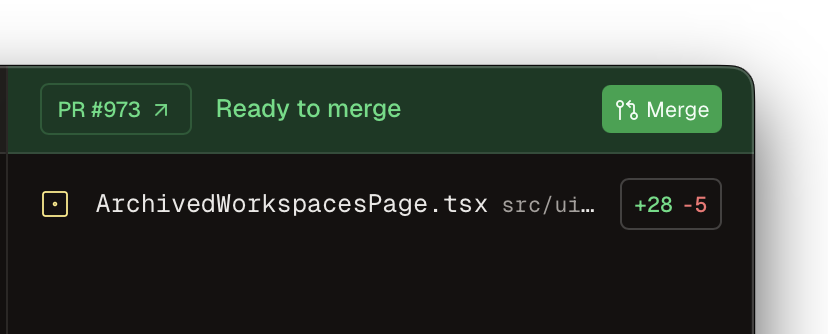
Once everything looks good, merge!
Create a PR (⌘⇧P). If any checks fail, Conductor will help you fix them.
Once everything looks good, merge!
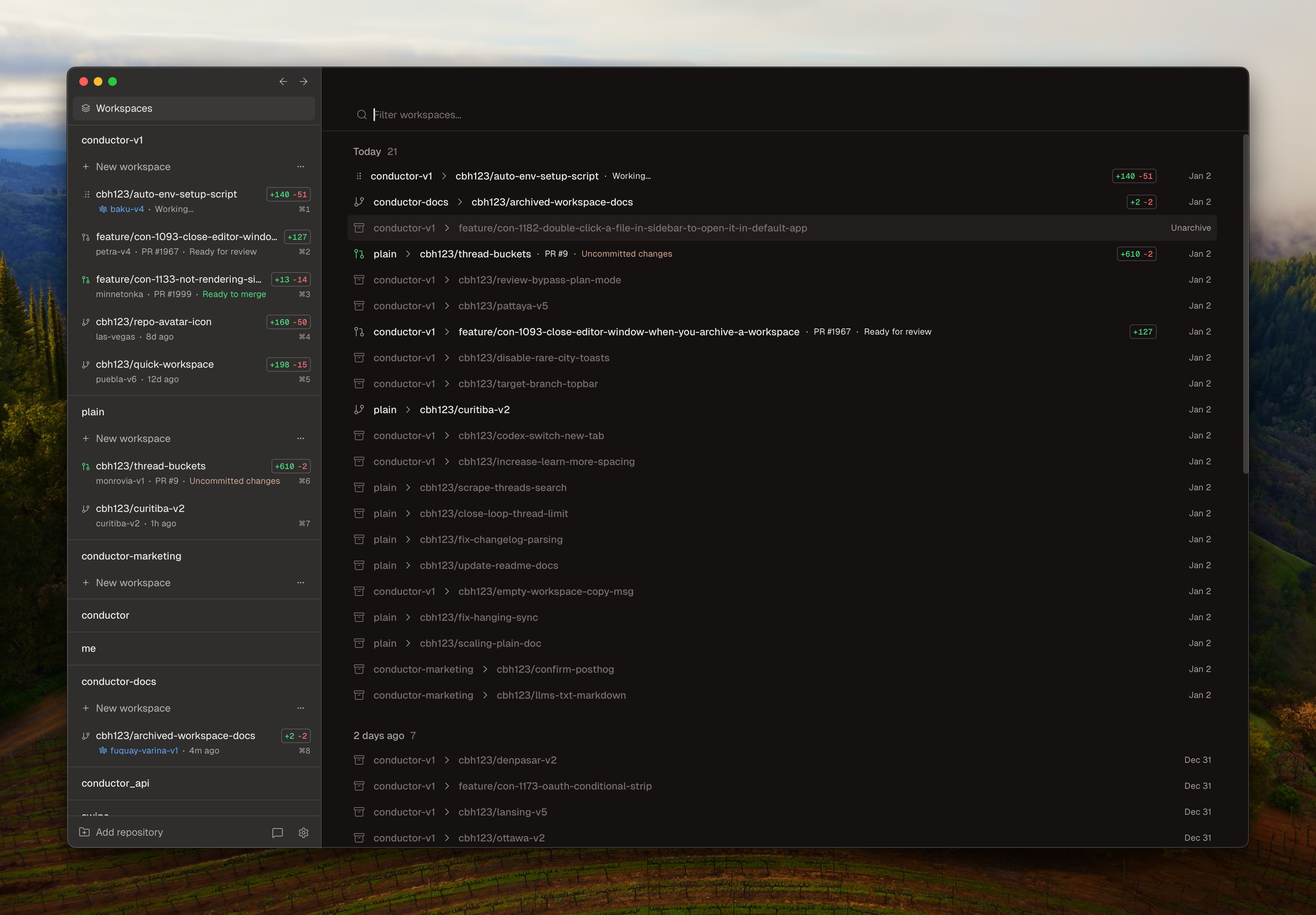
Archive
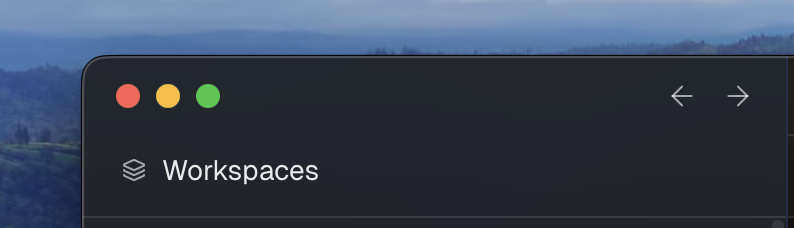 When you’re done working on that feature, archive the workspace. You can always restore the workspace later — including your chat history — by going to the Workspaces button in the sidebar. This opens the Workspaces page, where you can see all your workspaces across all repositories. Click on any workspace or press Enter to restore it.