
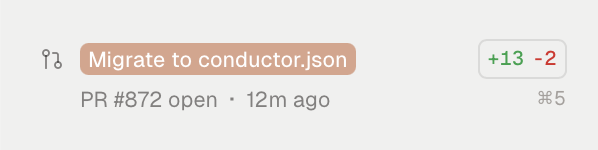
conductor.json file.
If you had previously added scripts using the UI, when you upgrade you’ll see a new workspace called “Migrate conductor.json”.
How to migrate
In the migration workspace:- Click “Create migration PR”
- Merge it
conductor.json file. (If you see any other changes in the PR, consider removing them before merging.)
A few seconds after you merge, your other workspaces will be able to use scripts again. For more on how this works, see conductor.json precedence.
If you run into any issues with the migration, reach out to us at humans@conductor.build.
Alternative: local conductor.json
If you’d rather not commit conductor.json, you can follow these steps instead:- Go to the repository settings page (click the repo name in the left sidebar)
- Choose “Open In” to open the repository root directory in Finder or an IDE
- Create a
conductor.jsonfile